
We all like to stay connected with our friends and family while we're away, even if it's just by a simple text. However, on a cruise this can be a bit harder to maintain, as many phone networks won't work while you're out at sea, and you don't want to risk sky-high bills from your phone connecting to the marine network.
Disney actually makes staying in touch easier than you might expect, and the level most people rely on day to day costs nothing at all. The ship runs its own network that you connect to once you're onboard, with a few different levels depending on what you actually need.
On a Disney cruise there are three options available to help you stay connected. One of these is free, the others have a price. So let's look at them in more detail.
Disney Cruise Line Free Guest WiFi
On every Disney cruise ship, all guests do have access to the free WiFi service. For a lot of what you'll want to do, it's all you need.
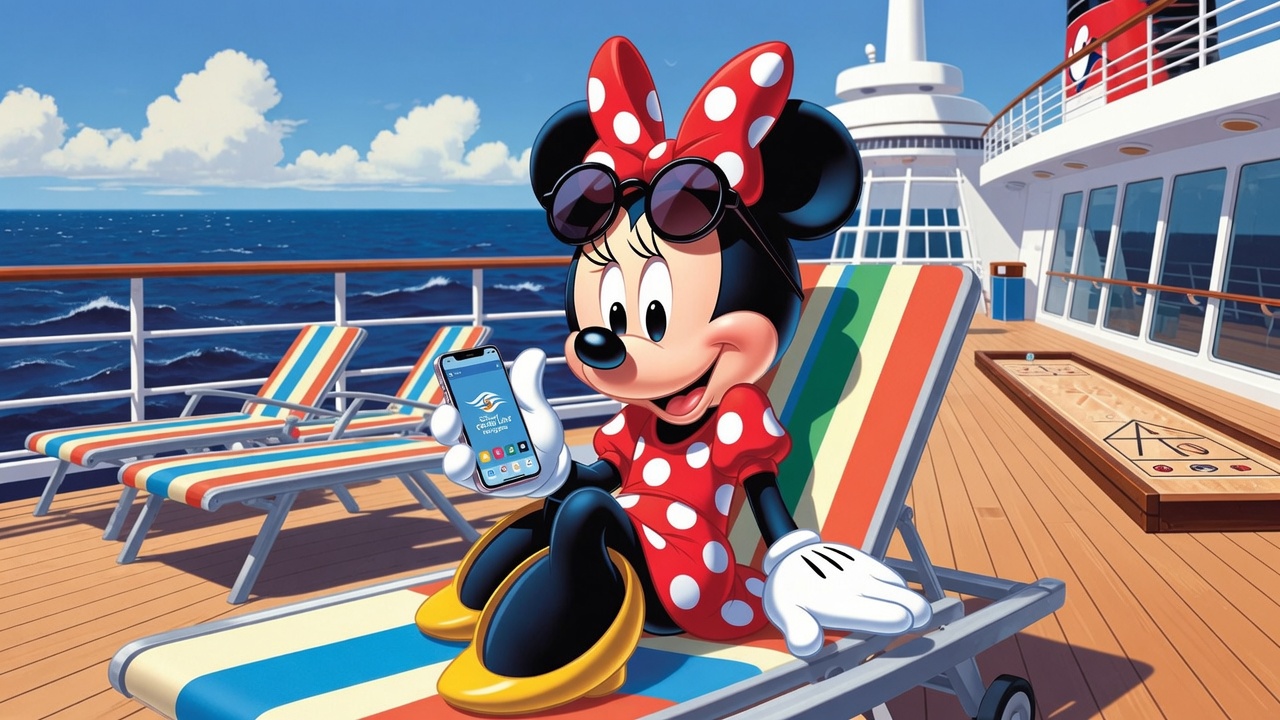 The first thing it gives you is the Disney Cruise Line Navigator app, which becomes your map, your diary and your daily planner all in one. You can see the full schedule for each day, check show times, find out where the characters are appearing, view the main dining rotation menus, and build your own plan as you go. It's also how Guest Services keep in touch with you while you're onboard. We use it from morning to night.
The free WiFi also lets you message, which is where it really earns its keep. The complimentary onboard WiFi supports basic text messaging through apps like WhatsApp, iMessage, and the chat feature built into the Disney Cruise Line Navigator app itself.
The Navigator messenger is good fun, because you can send Disney emojis, and you get a code linked to your name that you can share with friends onboard so they can add you and message you directly. That said, I actually find WhatsApp works better than the in-built messenger, because you get notifications. It works really well both for keeping connected to friends and family onboard and for staying in touch with loved ones at home.
Disney Cruise Line Paid WiFi Options
 If you want to do more than message, Disney offers two paid options that do more. The first is Stay Connected, where you can access social media, share photos, and make FaceTime calls back home.
The second is Streaming, which gives you all of that plus the ability to stream YouTube and the like while you're at sea.
The two are priced differently, but they work the same way: each has a per-day, per-device rate, and they also offer a rate that covers the whole length of your sailing. It's worth working out roughly how much you'll actually use it before you commit. At the time of writing, the per-day, per-device rates are $27 for Stay Connected and $49 for Streaming.
You purchase the internet through the Navigator app, and it's charged to your stateroom account. When you buy a package, you set up a login and a PIN, and that's what you use to connect. The handy part is that it isn't locked to one piece of kit: you can log out on one device and log back in on another. So if you've paid for one device but want to switch from your phone to a tablet for the evening, you can.
We've found that the length-of-stay package generally works out marginally cheaper. I usually get Stay Connected, while Mr Disney goes for the Streaming one, as we both still sadly have to work while onboard at times.
A final thought
Try to enjoy the time being disconnected from the outside world. You're on holiday, after all. That said, the paid options do let you make FaceTime calls home, which a lot of people like to do. And it's worth remembering that you can still connect once the ship is in port on a port day, as long as you're covered by your own network provider. For that reason, some people choose to only buy a package for the sea days, when the ship is out at sea and their phones won't pick up a signal.
Prices and packages correct at time of writing.


